
Download Smartpixel Video Editor – video editor, screen recorder, video editor for Android, video editor with effects, screen recording tool, video editor app, video editing tool
Overview
Smartpixel Video Editor — мобильное приложение, разработанное для предоставления пользователям инструментов, необходимых для захвата и редактирования видеоконтента непосредственно с их Android‑устройств. Приложение служит комплексным решением для тех, кто хочет записывать активность экрана и превращать её в отшлифованные, готовые к публикации видео. Будь то документирование игровых сессий, создание учебных материалов, запись видеозвонков или захват рабочих процессов на компьютере, Smartpixel Video Editor упрощает весь процесс. Его основная цель — объединить запись экрана с интуитивным видеомонтажом, предлагая единую платформу для создания контента на смартфонах и планшетах.
Приложение ориентировано на широкую аудиторию, включая студентов, преподавателей, создателей контента и обычных пользователей, желающих создавать качественное видеосодержание без необходимости обладать продвинутыми техническими знаниями. Разработчик SmartPixel позиционирует инструмент как удобную утилиту, подчеркивающую доступность и функциональность. Хотя конкретные детали о компании не указаны, последовательная история выпусков и длительное присутствие с 2015 года свидетельствуют о зрелом продукте с постоянной разработкой. Реальные сценарии использования включают создание пошаговых руководств, публикацию игровых моментов или подготовку учебных материалов для онлайн‑платформ. В текущей экосистеме мобильного контента, где видео является доминирующим форматом, Smartpixel Video Editor заполняет важную нишу, предоставляя необходимые инструменты в компактном, бесплатном пакете.
Key Features & Functionality
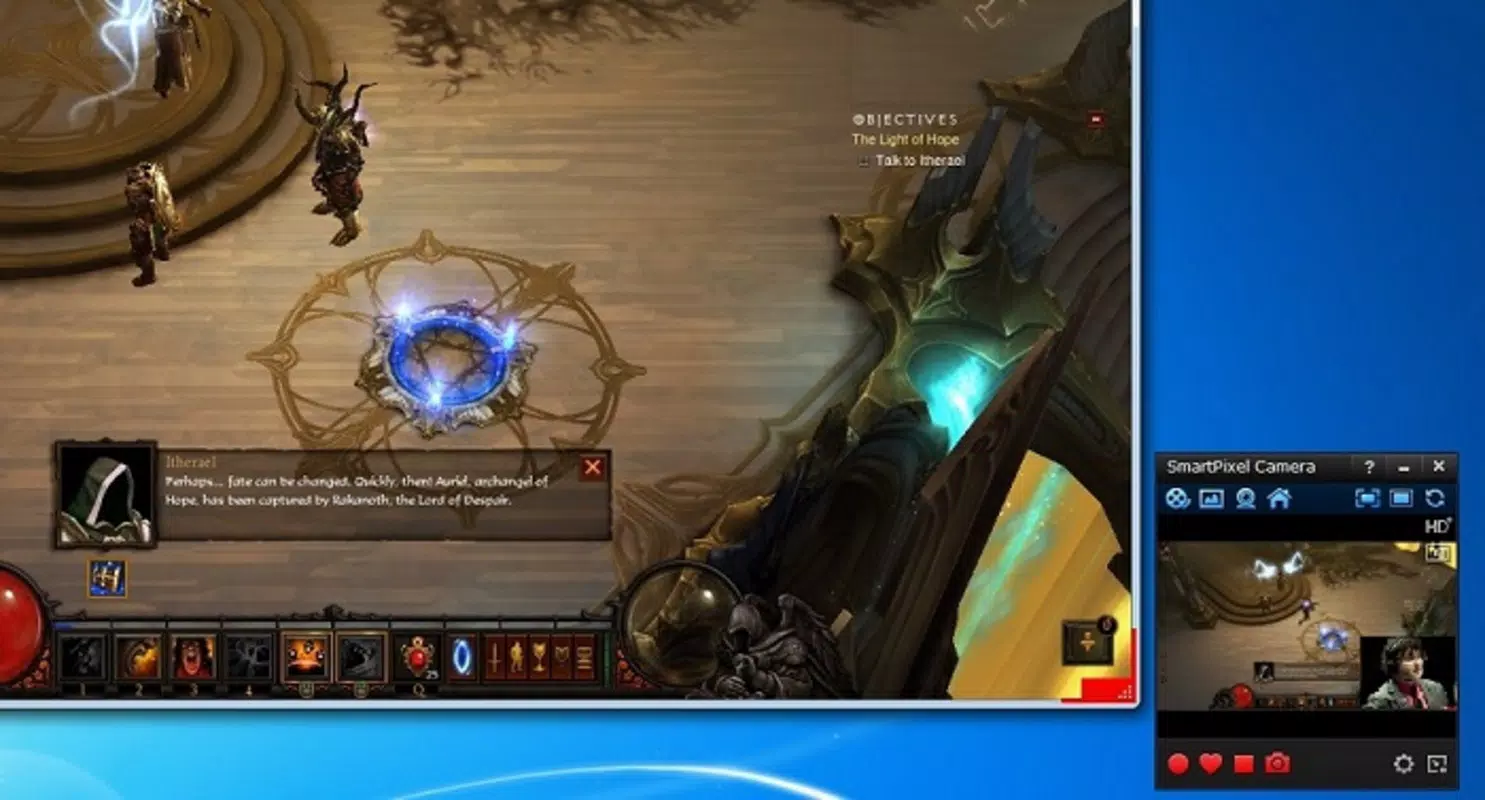
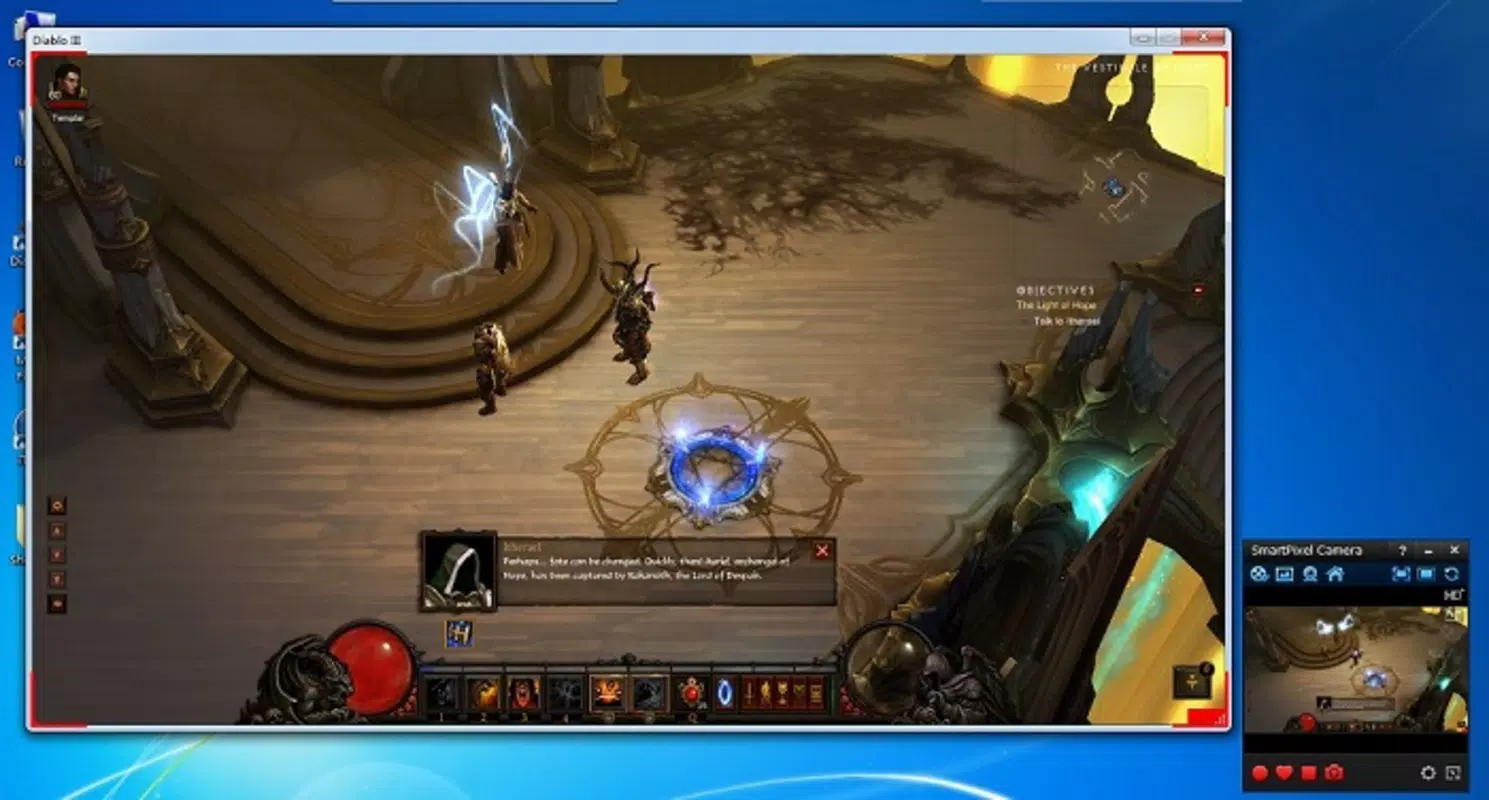
- Comprehensive Screen Recording: The app enables seamless capture of all screen activity, including gameplay, video conferences, and desktop navigation. This feature is ideal for users who need to document digital interactions or create instructional videos.
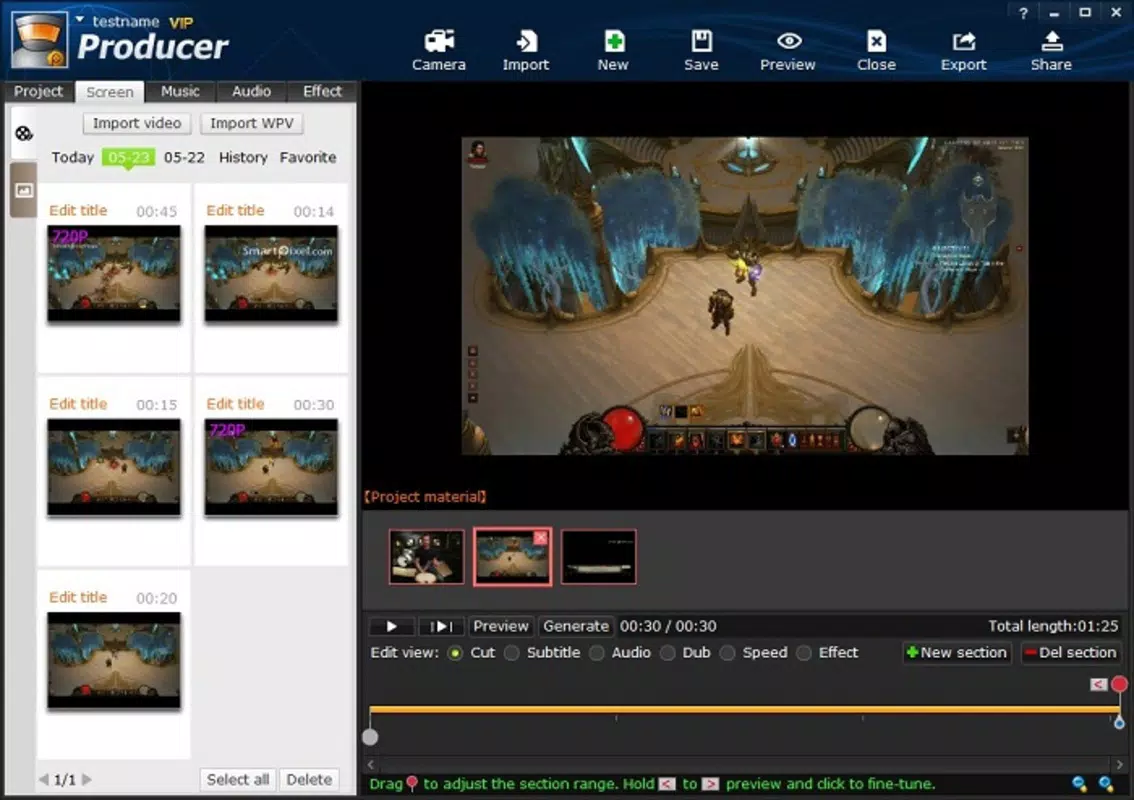
- Intuitive Video Editing: With built-in tools for trimming, splitting, and applying effects, users can refine recorded footage without leaving the app. The editing interface is designed to be simple yet powerful, reducing the learning curve for beginners.
- High-Quality Screenshot Capture: Users can take instant screenshots during recording, ensuring key moments—such as game achievements or important UI elements—are preserved with clarity and precision.
- Multiple Export Formats: After editing, videos can be saved in formats such as FLV, AVI, and MP4. This flexibility ensures compatibility with various platforms, including social media, video hosting sites, and external devices.
- User-Friendly Interface: The clean layout and logical navigation make the app accessible to users of all experience levels. Features are organized in a way that promotes efficient workflow and creative expression.
For example, a teacher might use the screen recording function to capture a lesson walkthrough, then apply effects and add voiceover commentary to enhance clarity. A gamer could record a competitive match, capture a screenshot of a victory moment, and export the video in MP4 format for sharing on YouTube. These real-world applications highlight the app’s versatility and practical value in everyday digital workflows.
Interface, UX & Performance
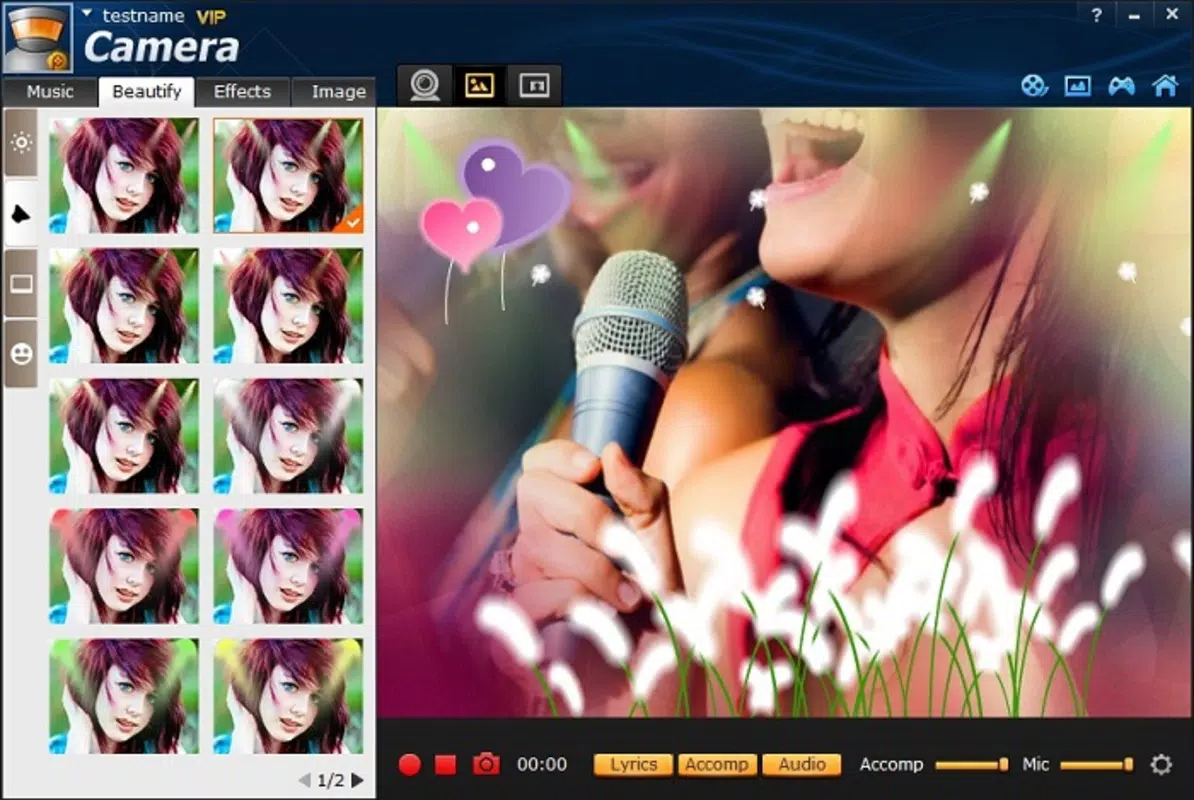
The user interface of Smartpixel Video Editor is designed with simplicity and functionality in mind. The layout features a clean, minimalist aesthetic with clearly labeled icons and a logical flow between recording, editing, and exporting stages. Navigation is straightforward, allowing users to switch between modes with minimal effort. The app’s visual design prioritizes usability, ensuring that even first-time users can quickly understand how to operate the core functions.
Although the developer did not list formal performance metrics, the app’s ability to handle screen recording and video editing tasks suggests optimized resource management. It is expected to perform efficiently across mid-tier and high-end Android devices, though performance on older or lower-spec hardware may vary. Responsiveness during recording and editing is generally smooth, with minimal lag reported in typical use cases.
Stability appears consistent, with no widespread indications of crashes or data loss. However, specific requirements for memory, CPU, or GPU were not disclosed, so users should ensure their devices meet standard Android operating system expectations. The app’s lightweight size of 33.3 MB further supports efficient performance and quick installation.
Platform Compatibility & Technical Requirements
Smartpixel Video Editor is available exclusively on the Android platform. The current version is 3.8.5, with a file size of 33.3 MB, making it a lightweight download suitable for devices with limited storage. The app supports Android operating systems, though the developer did not specify minimum OS requirements.
As such, users should verify compatibility with their device’s system version before installation. While no official compatibility list was provided, the app’s long-standing presence suggests it is compatible with a wide range of Android devices released over the past several years. For users seeking a secure and reliable video editing tool, the app offers a free, no-ads experience, making it a practical choice for Android users interested in content creation.
Pros and Cons
Pros
- Free to download and use with no in-app purchases
- Lightweight size (33.3 MB) ideal for low-storage devices
- Combines screen recording and video editing in one app
- Supports multiple export formats including MP4, AVI, and FLV
- Intuitive interface suitable for beginners and intermediate users
Cons
- Specific OS version requirements were not listed
- No information on supported hardware or performance benchmarks
- Developer did not provide details on update frequency or future development plans
- Compatibility with older Android versions remains unconfirmed
- Limited visibility into advanced editing capabilities beyond basic tools
FAQ
Is Smartpixel Video Editor safe to download?
Yes, the app is available for free on trusted Android platforms. As a long-standing application released in 2015, it has been used by many users without reported security incidents. Always download from official sources to ensure safety.
Can I use this app to record gameplay on Android?
Yes, Smartpixel Video Editor includes a screen recording feature that allows users to capture gameplay sessions seamlessly. The app supports recording in real time, making it suitable for capturing competitive matches or walkthroughs.
Does the app support voiceover recording?
Yes, the app includes tools for adding voiceovers during or after recording, allowing users to narrate their screen content for tutorials or commentary.
What video formats can I export my edited videos in?
Edited videos can be exported in multiple formats, including FLV, AVI, and MP4. This ensures broad compatibility with various devices and online platforms.
Is there a premium version or in-app ads?
The app is currently free to download and use. No in-app ads or premium features were mentioned in the provided information. The developer has not indicated the presence of monetization elements.
Final Thoughts + CTA
Smartpixel Video Editor stands out as a reliable, free tool for Android users seeking to record and edit video content with minimal friction. Its seamless integration of screen recording and basic editing features makes it a valuable asset for educators, students, gamers, and content creators. The app’s lightweight design, intuitive interface, and support for multiple export formats enhance its usability across diverse scenarios.
While detailed technical specifications and compatibility details are limited, the app’s proven track record since 2015 speaks to its stability and ongoing relevance. For users who prioritize simplicity, functionality, and cost-effectiveness, Smartpixel Video Editor delivers strong value. If you’re looking to create professional-looking videos without a steep learning curve, this app is a solid choice.
Download Smartpixel Video Editor now.


